This step in MacBook setup will be initially completed during your MacBook induction with the IT Department.
The configuration of printers on school-allocated MacBook’s is all fully automated.
-
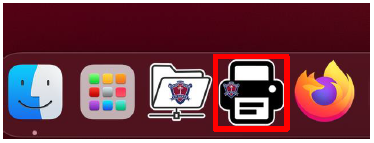
The process can be started by opening the BSHS Printers application on your MacBook
-
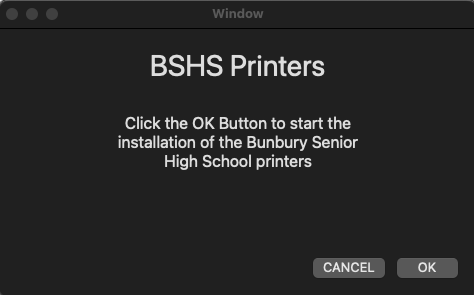
The application will prompt you to Click the OK Button to start the install.
-
Please enter your MacBook Account Password

The application will now configure all the printers on your MacBook. This may take a couple of minutes. When completed, the application will close.