-
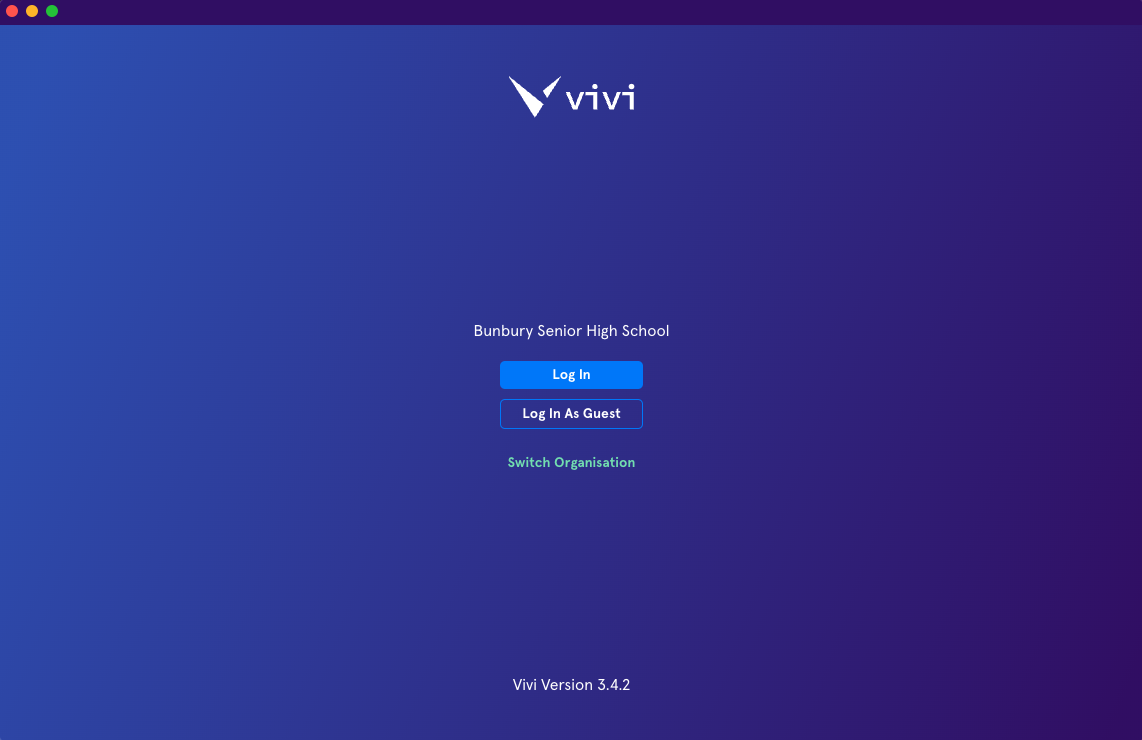
Open the Vivi App
-
Click Log In
-
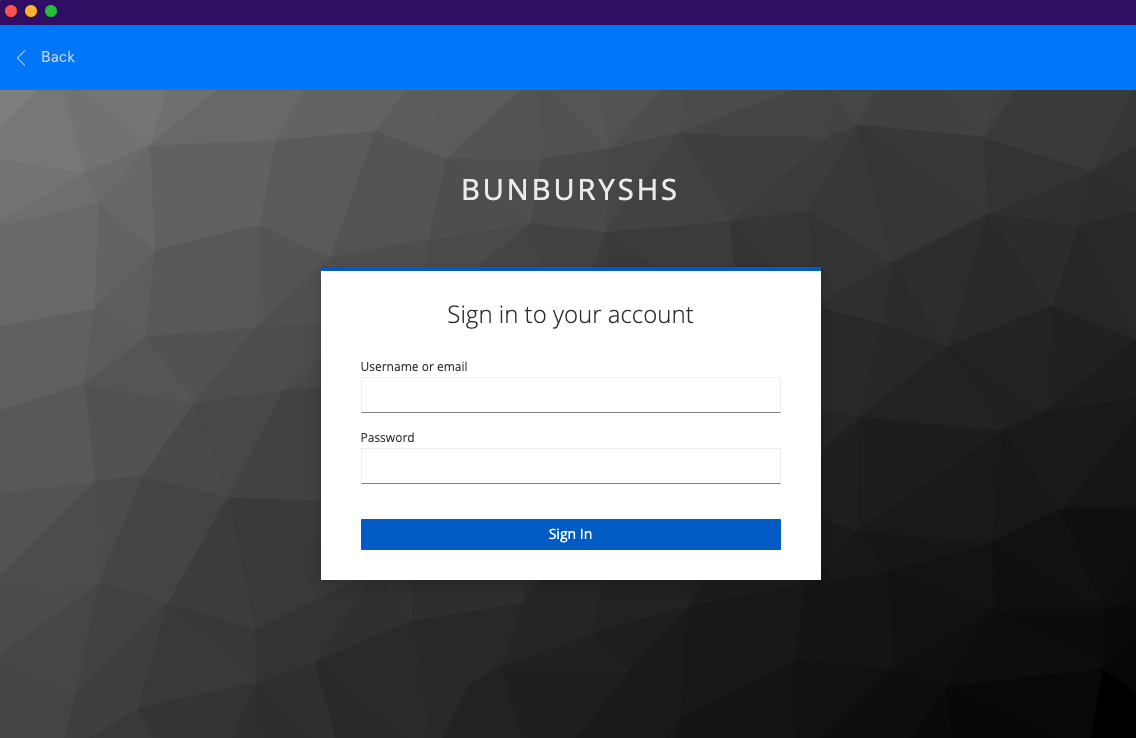
Sign in with your SCHOOL NETWORK ACCOUNT (Ikon/connect username and password). This is either your username (e.g. e1234567 for staff or test.student2 for students), followed by your password.
About
This knowledge base is still in early development. Please report any bugs / issues via IT Helpdesk.