If you are having trouble signing in to Adobe products, or you get an error, you will need to sign out of Adobe Creative Cloud.
To do this, open the Adobe Creative Cloud application.
- On Mac: this will be in your Applications folder, under the Adobe Creative Cloud folder.
- On Windows: this will either be on your desktop, or you can search for it in the start menu.

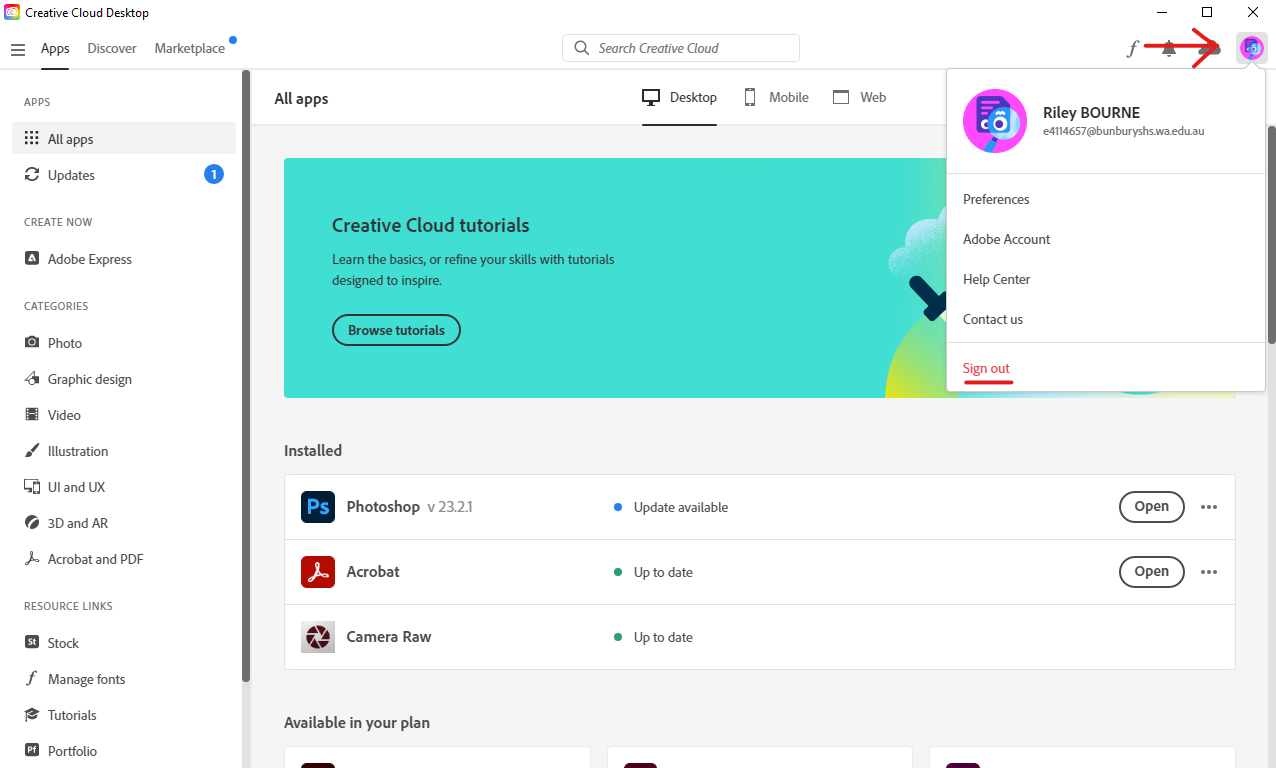
Once in the application, click on the User Profile Image in the top right hand corner.
Select Sign Out.
Now, follow the Signing into Adobe instructions listed Here